Automation
Plugs into everything. Politely.
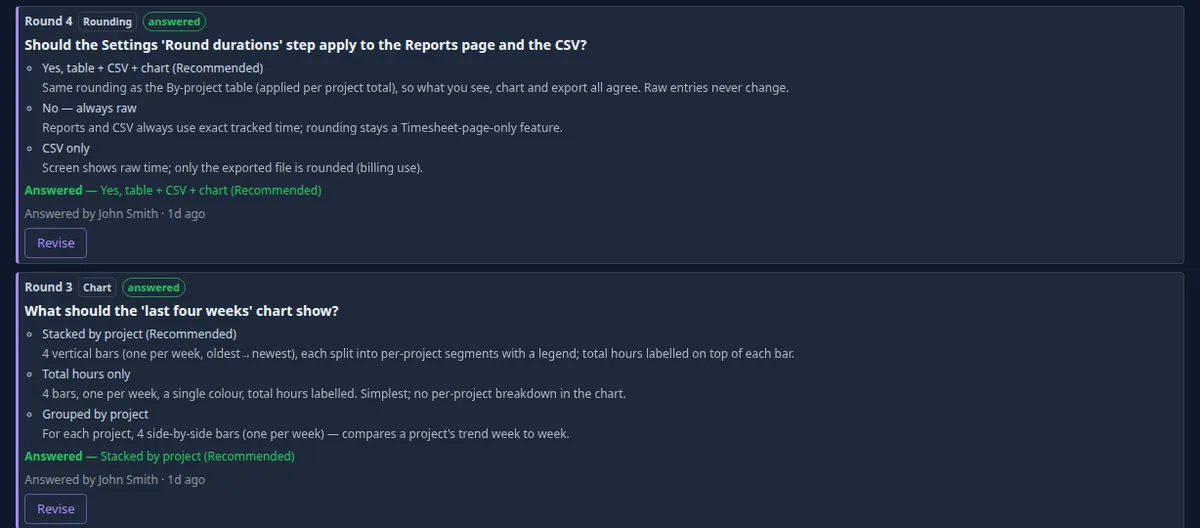
Answer from Slack. The run waits for you.
A guided task posts its question to you in Slack. Press a button or reply in the thread, and the same run carries on. The console shows the same question, so whoever sees it first answers, and notifications reach you by email too.
- The question, posted to the person who filed the task
- A button press or a reply is the answer
- Notifications in Slack or by email
Jira, Slack, your Git host and the rest.
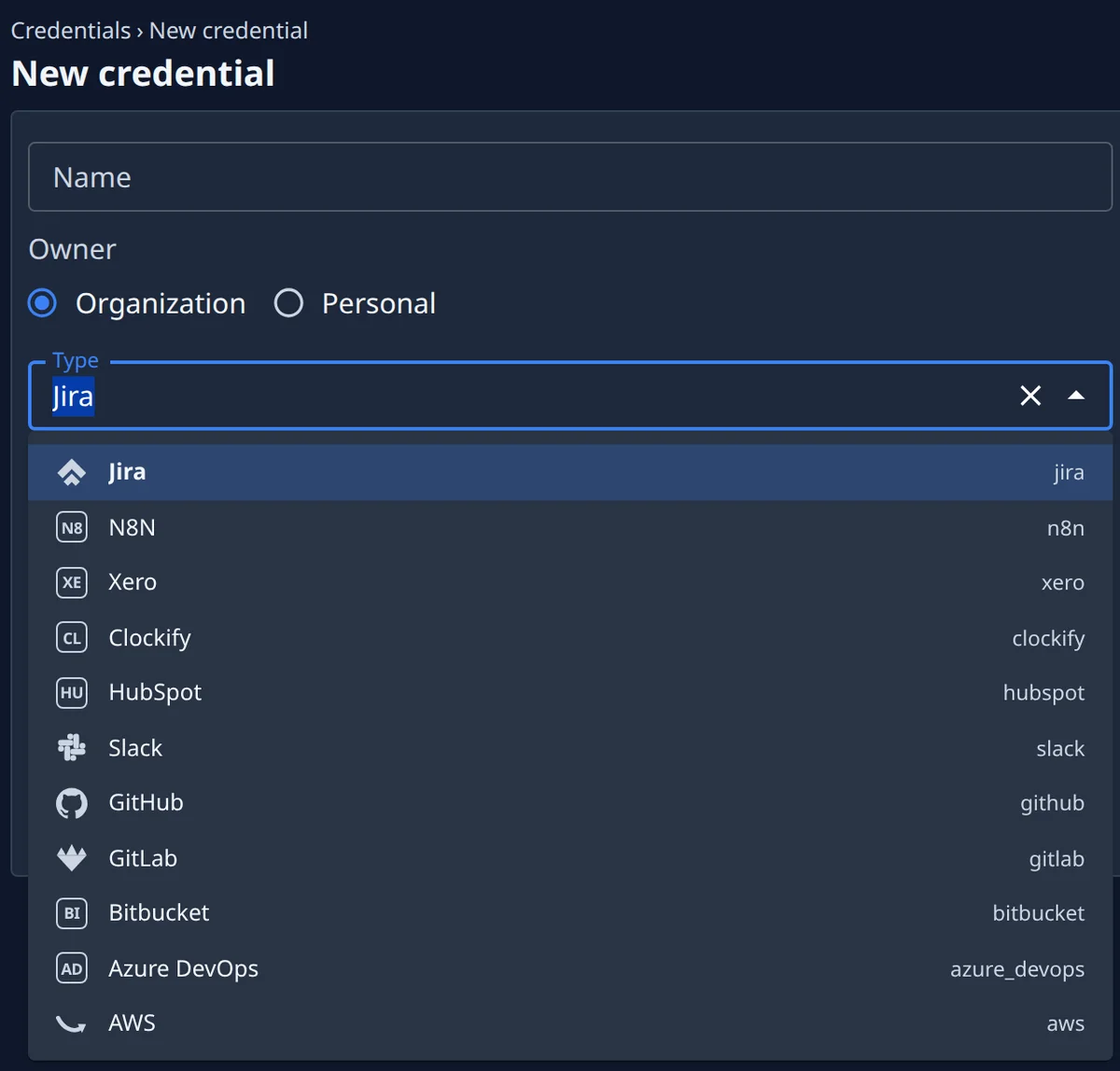
A credential is a typed connection: Jira, Slack, GitHub, GitLab, Bitbucket, Azure DevOps, AWS, n8n, Xero, Clockify, HubSpot, Google — or a generic OAuth2 client, API key or login. Link a project to Jira to attach issues to tasks and get the outcome commented back.
- A typed connection per system
- OAuth2, API key or login for the rest
- Jira issues linked on the way in, commented on the way out
Your model accounts. Your choice of model.
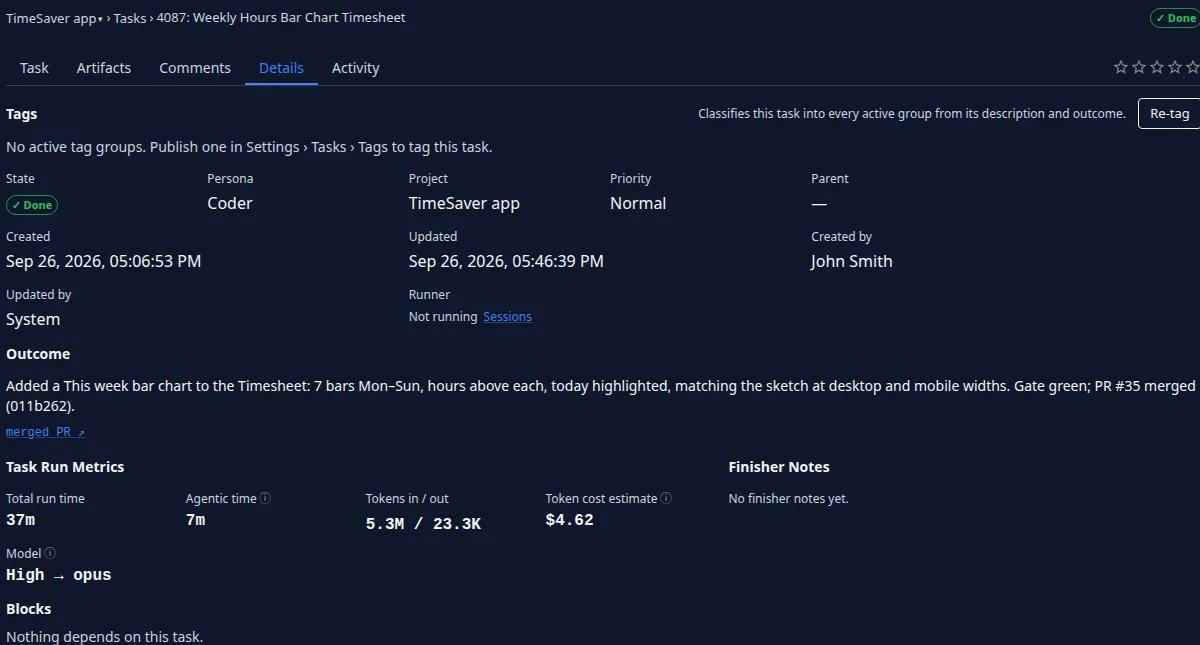
Agents run under model accounts you add yourself, with the provider you already use. Pick the model level per task, project or schedule; every task records its cost by model, and you set how many run at once.
- Model accounts you add yourself
- A model level per task, project or schedule
- Cost per task, by model
Schedules
Recurring work, filed on time.
Jaah. It keeps working while you are away. A schedule files a real task at each firing — instructions, project, persona, model — and that task runs like any other: its own copy of the code, your tests, the reviews, a merged change.
- A cron expression, or a fixed interval
- Instructions, projects, persona and model per schedule
- Every firing listed, with the task it filed
- A schedule that is overdue or stuck is flagged
What keeps slipping? Put it on a timer.
Sign up and pick the plan that fits what keeps slipping in your repositories, and how often you would want it done.