Collaboration
The team and the agents, in one conversation.
Every task on one board, sorted by what needs you.
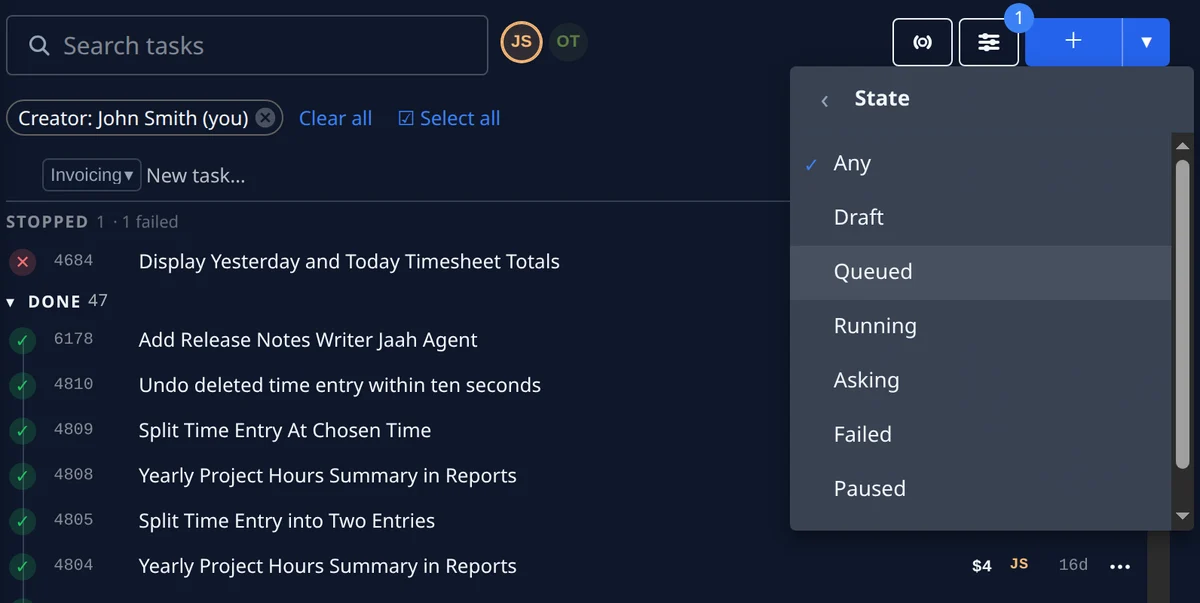
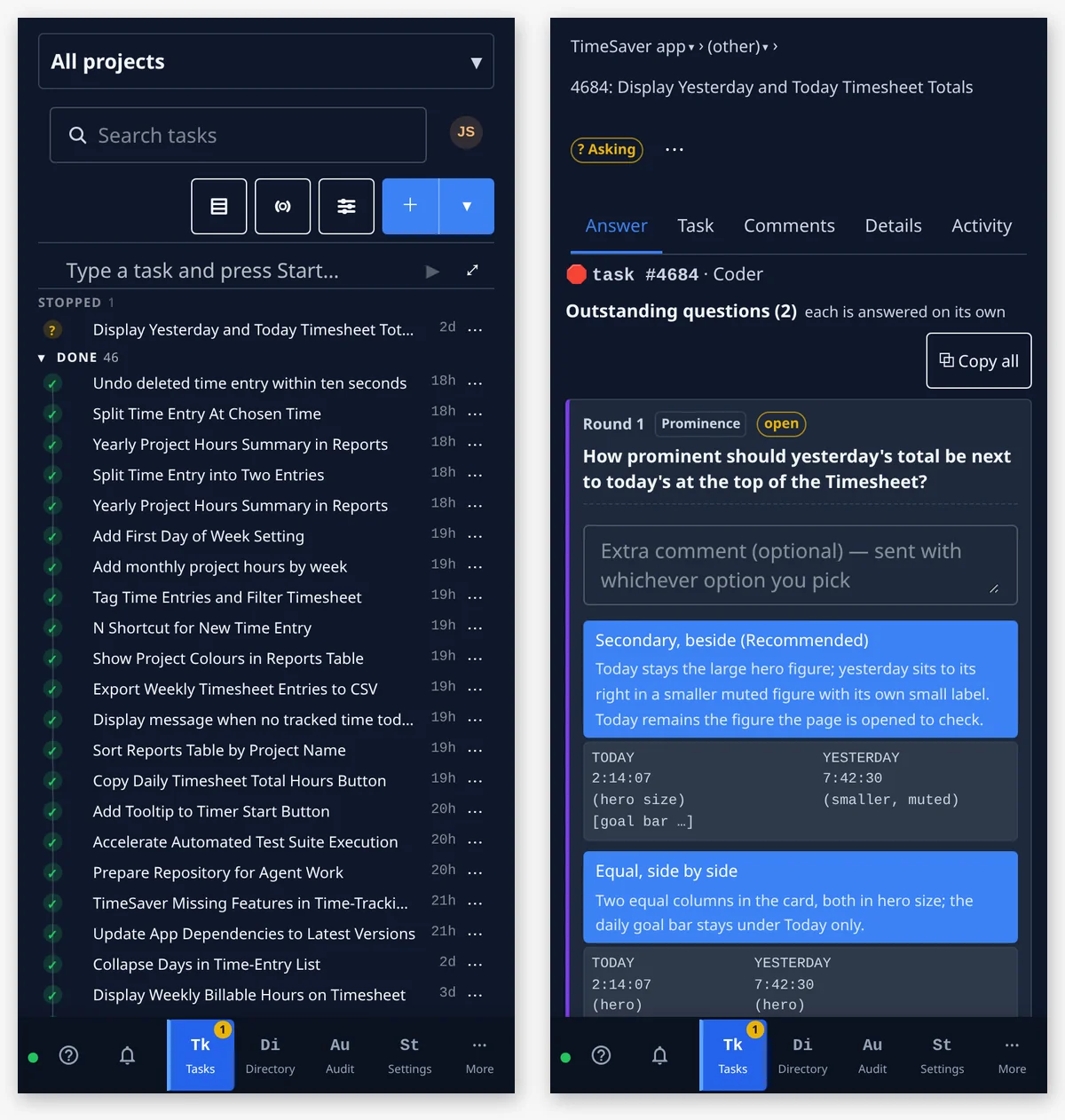
The task board groups your tasks by state — waiting on you, stopped, in progress, queued, draft and done — and a failed task’s Activity says why its run failed. Filter it by state or by where a task came from, select every match for a bulk operation, and file a new task in one line, into the project its button names. The follow-ups an agent finds arrive as drafts, and run only once you start them.
- Filter by state: draft, queued, running, asking, failed, paused or done
- Select all, then archive or delete in bulk
- Follow-ups an agent finds, filed as drafts
Build in public, one task at a time.
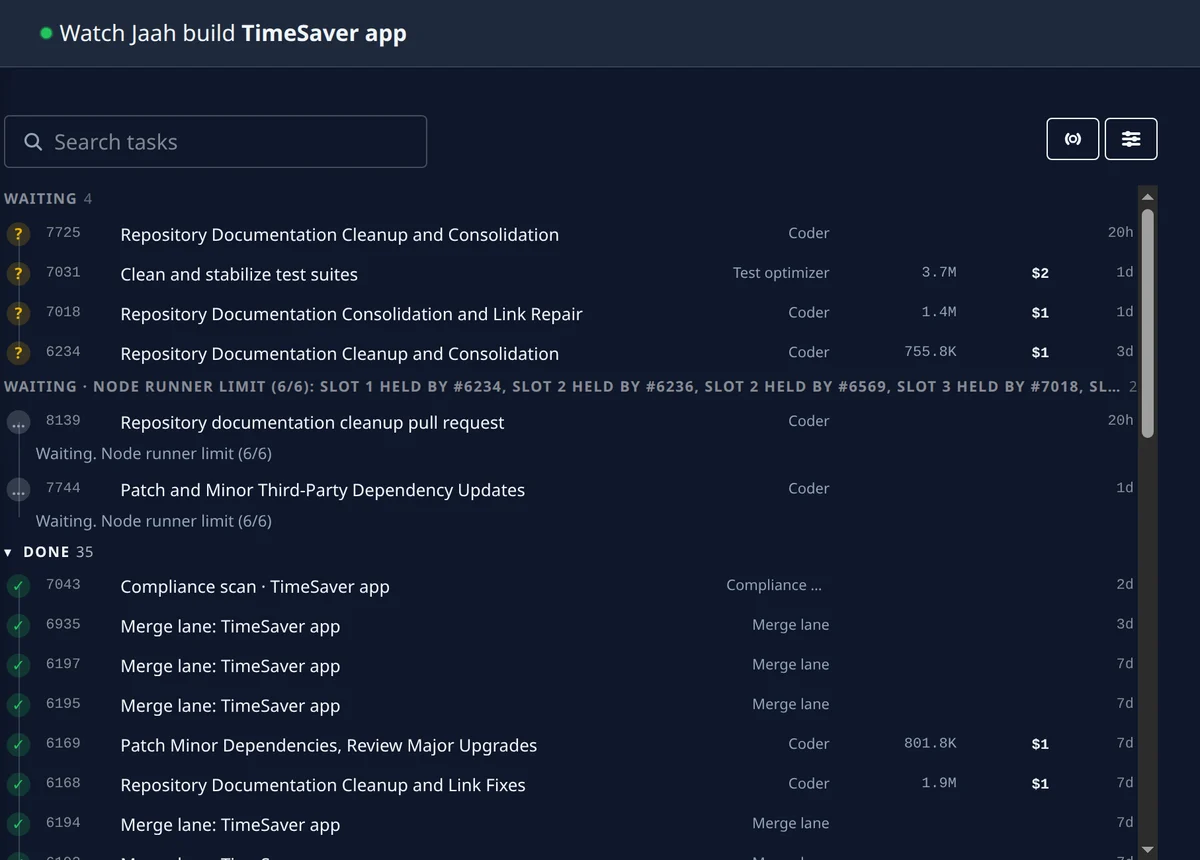
Publish a project’s tasks and their artifacts to a public, read-only page anyone can open without an account: the brief, its progress, the questions asked, the comments, the merged change and the reports. A rule in plain words — say, hide any task that mentions a customer by name — decides what shows, one switch overrides it on a single task, and a failed or stopped task stays off the page until it runs again. Visitors move between your published projects from the page’s sidebar, in the theme they choose.
- A public, read-only page per project
- Rules in plain words decide what shows
- Each published task with its artifacts
The Slack integration: answer where you talk.
With the Slack integration, a task that stops on a question posts it to you in Slack as an interactive message. Press one of its buttons or reply in the thread, and the same run carries on; the console shows the same question, so whoever sees it first answers. You connect your Slack account once, from your profile, with a short code.
- The question, posted to you in Slack
- A button press or a thread reply answers it
- Connected once, from your profile
Telegram and email, for what needs you.
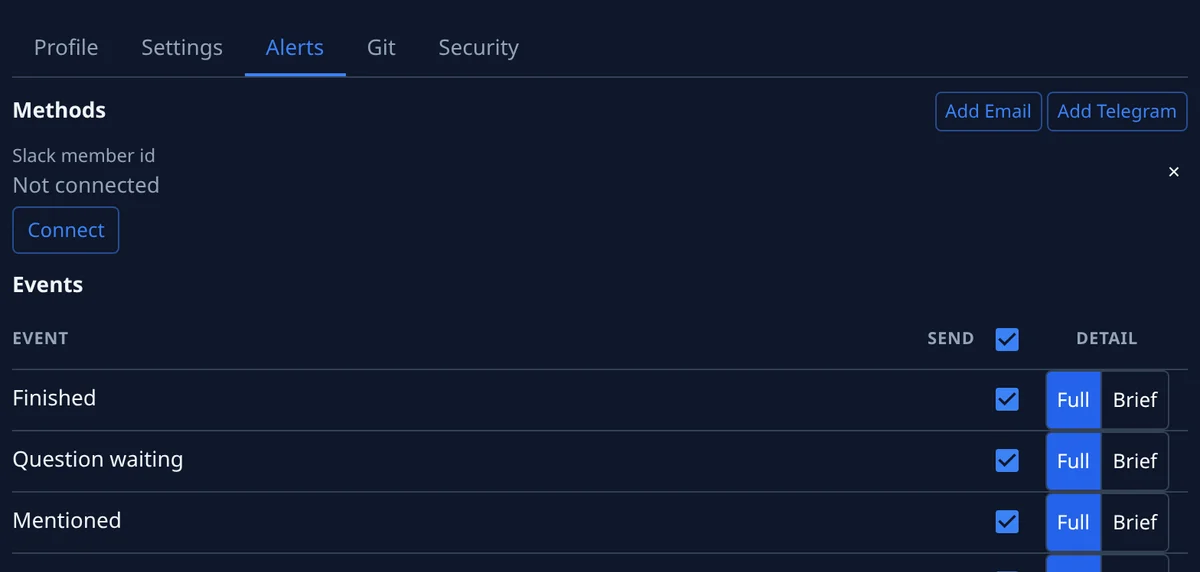
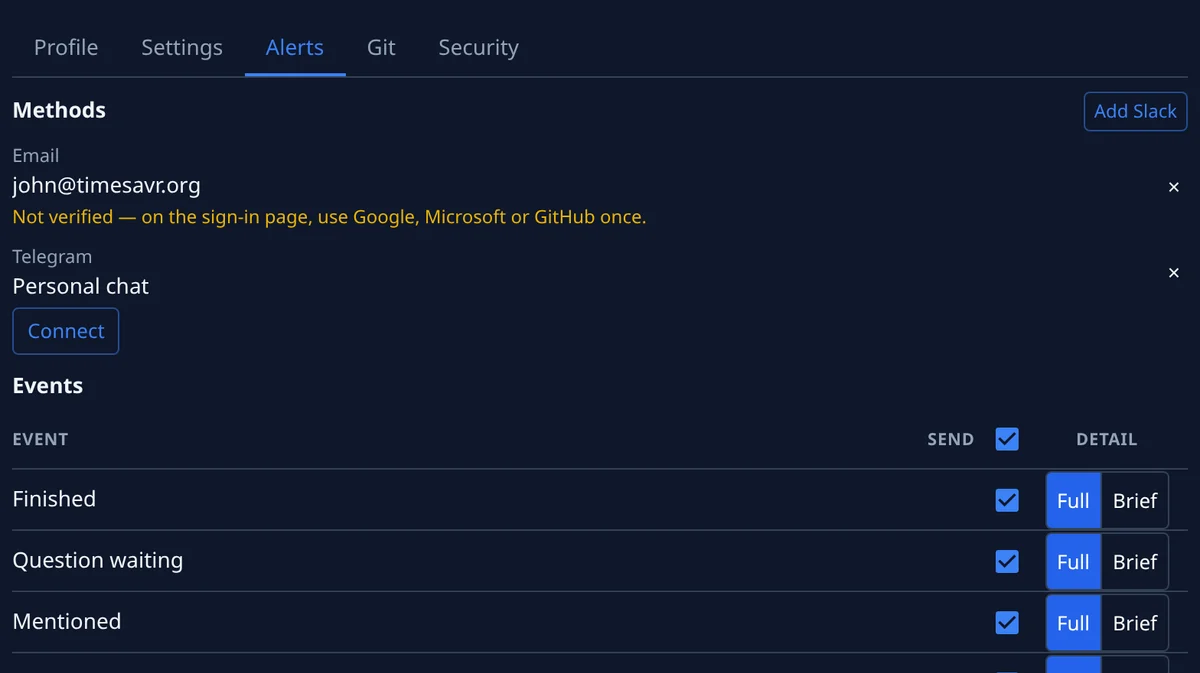
Telegram and email sit beside Slack as notification channels, and you pick any of them. Choose the events they carry — a task finished, a question waiting, a mention, a task assigned to you — each sent in full, or brief with a headline and a link back. Your Telegram chat is linked once with one tap on Start, then turned on in each organisation you belong to.
- Notification channels: Telegram, email and Slack
- The events you choose, in full or brief
- One Telegram link for every organisation
Web or mobile: the whole console, in your pocket.
Web or mobile, it is the same console: any web browser, with a responsive layout for the screen in your hand, or the Android app. File a task, answer an agent’s question, watch the board or read a report from wherever you are. On a phone the sidebar becomes a bar along the bottom, and a queued task says under its row why it is waiting.
- Any web browser, on a desk or a phone
- Laid out for the screen in your hand
- The Android app as well
Also here
Ask, steer and discuss, beside the task.
Four more ways the team and the agents work side by side, each one inside the task it is about.
- AI assistant — answers your questions about the product and your tasks from the Help panel, and opens a support ticket for you from the same panel
- Chat view — a running task’s console read as a chat beside its terminal: send the agent a message, interrupt its turn, answer its question in place
- Comments — discuss a task with your team, mention a colleague so they hear about it, react with an emoji
- Numbered versions — each version of a task’s artifacts numbered, v1 the oldest, the earlier ones folded under the current one
Who on your team should hear first?
Start free, then pick the plan that fits how many people work beside the agents and where they would rather answer.