Deployments & incidents
From the deploy to the fix for what it broke.
Every deploy, with the changes it shipped.
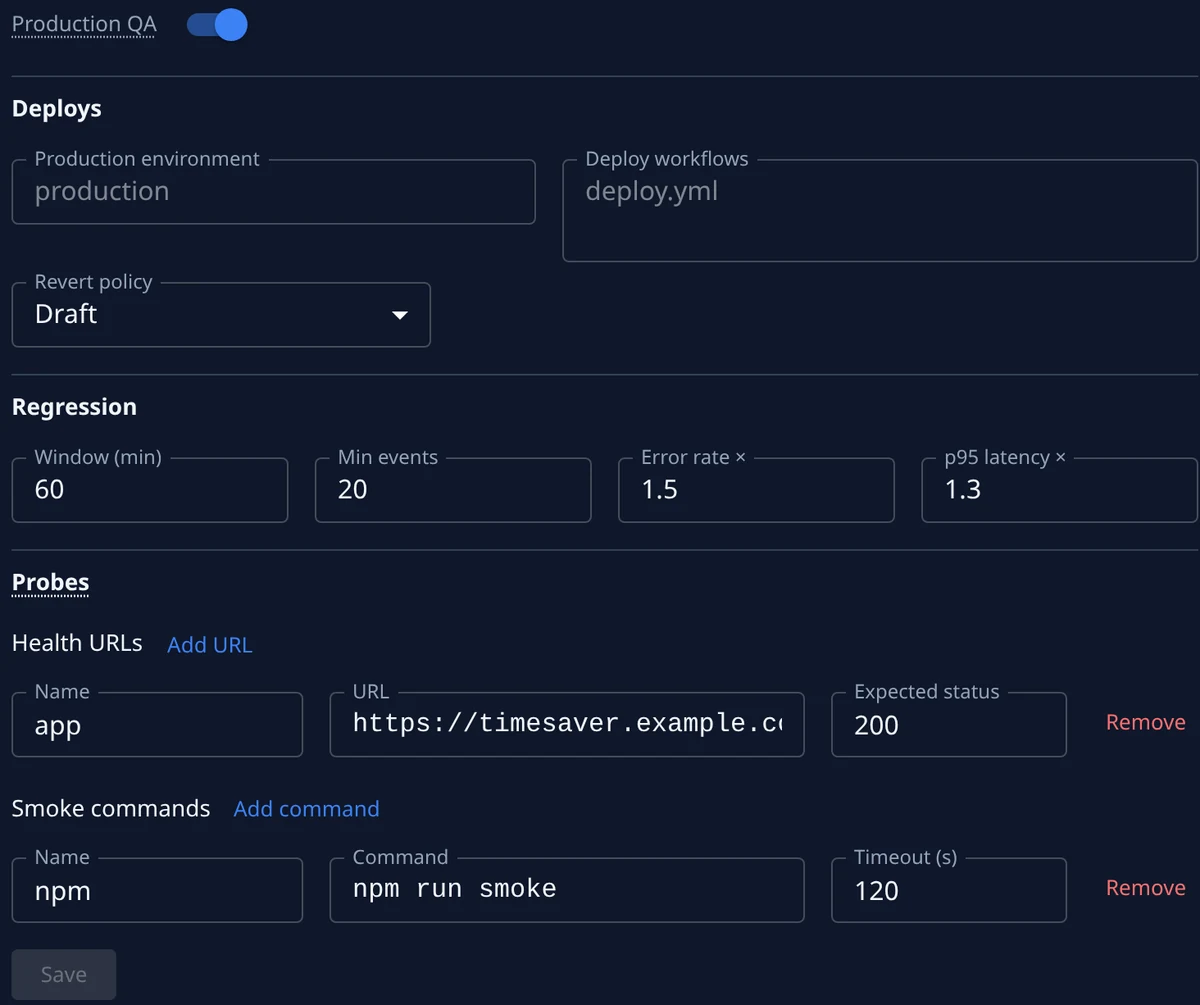
A project’s Deployments tab shows what is waiting on Dev and what is live on Production: press Deploy to ship the merged changes now, or Schedule… to pick the time. A freeze holds every deploy until it ends, a deploy that needs approval waits for someone else to approve it. You hear when changes are ready to deploy, need approval, go live or fail. Connect the project’s deploys once, from GitHub, GitLab, Bitbucket Pipelines or Azure DevOps, and each run lands on the Deployments page as your pipeline reports it: queued, deploying, succeeded or failed, with the changes it shipped. After each production deploy Jaah runs your health checks from one of your machines, and a failed check opens an incident.
- Deploy now or on a schedule, with freezes and approvals
- GitHub, GitLab, Bitbucket and Azure DevOps
- Health checks after every production deploy
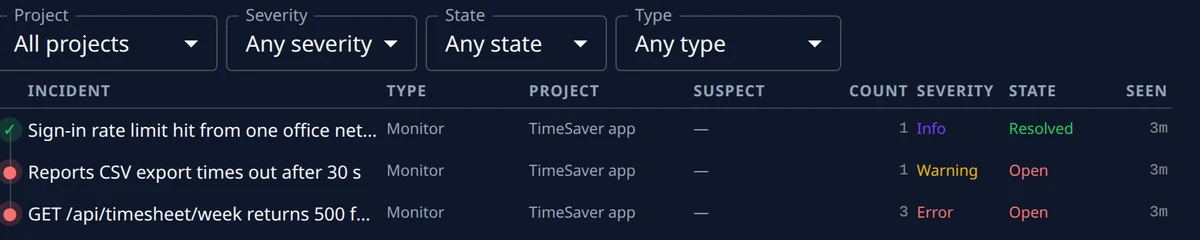
One incident, however often it fires., Beta
Connect Sentry, Datadog, PagerDuty, CloudWatch or anything that sends a webhook, and an alert opens an incident with its type, its severity, how often it fired and when it was last seen. A repeat raises the count on the same row, a resolved incident that comes back reopens, and its history keeps every step. Each incident lists the merged changes most likely behind it, ranked high, medium or low, and you can confirm a suspect, dismiss it or add another.
- Sentry, Datadog, PagerDuty, CloudWatch or a webhook
- Repeats counted on one row
- The likely change behind it, ranked
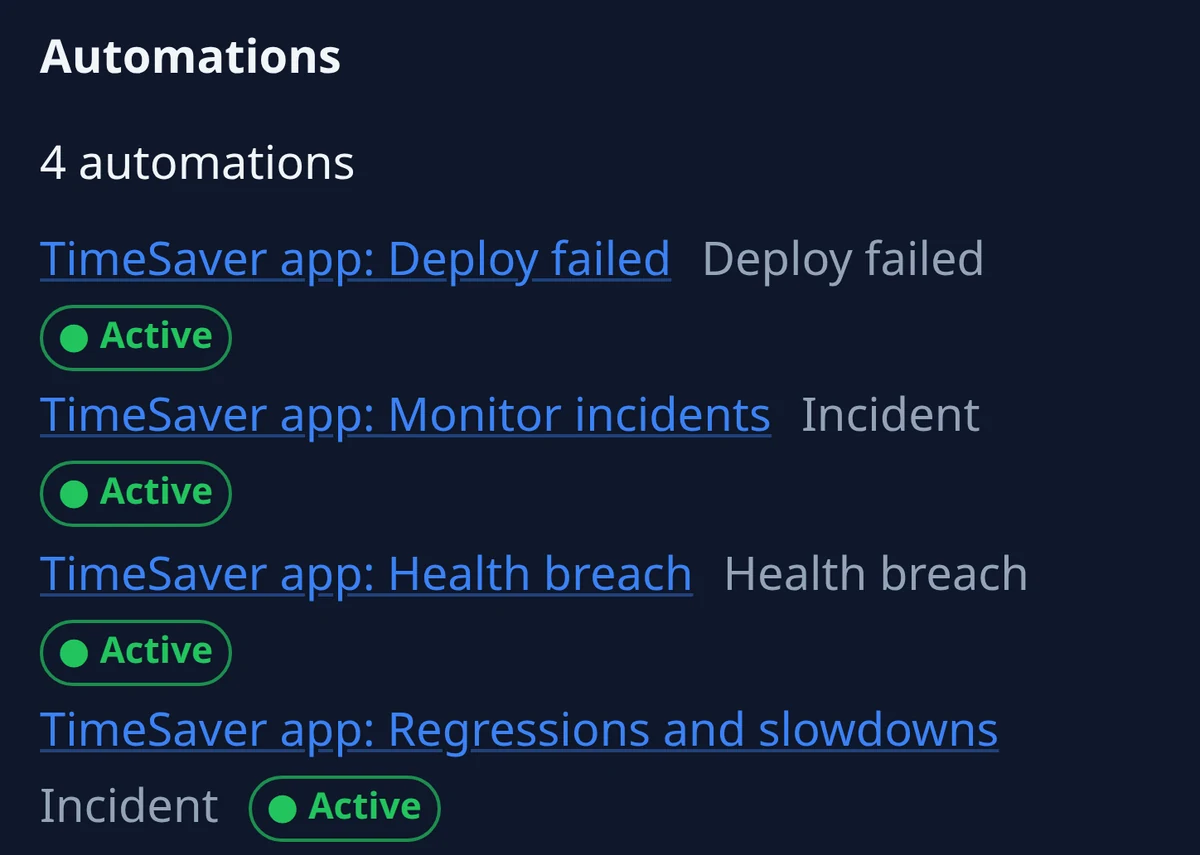
A fix for the incident, an undo for the release., Beta
Turn on the project’s incident automations and an incident, a failed deploy or a failed health check files a task to fix it: one open fix per incident, naming the incident and its suspects. Set the project’s revert policy, and when a production deploy raises the error rate or slows responses compared with the same stretch before it, Jaah files a task that undoes it. That task waits as a draft for you to start, or starts on its own. Either way it goes through review and the same checks as every other change before it merges.
- One open fix task per incident
- More errors or slower responses than before the deploy
- An undo as a draft, or started for you
Outcomes
What happened to every change after it merged.
Each change is followed past the merge. The Outcome on the task’s Details tab says how it went, beside what it cost and the security findings it carried.
- Merged, deployed, still standing, undone or fixed by a later change
- An incident linked back to the change behind it
- Tokens and time beside the cost
- Compared per agent, model and setup in the command center, with agent performance on your plan
- A setup ranked once its record is long enough to trust
Every incident, with its suspects named.
Start free, connect your deploys and your monitoring, and switch on the incident automations, so the next incident comes with a fix task filed.